Buying a YouTube channel or a TikTok account from someone you have never met comes with one big question: who goes first? The buyer does not want to pay and receive nothing. The seller does not want to hand over the account and never get paid.
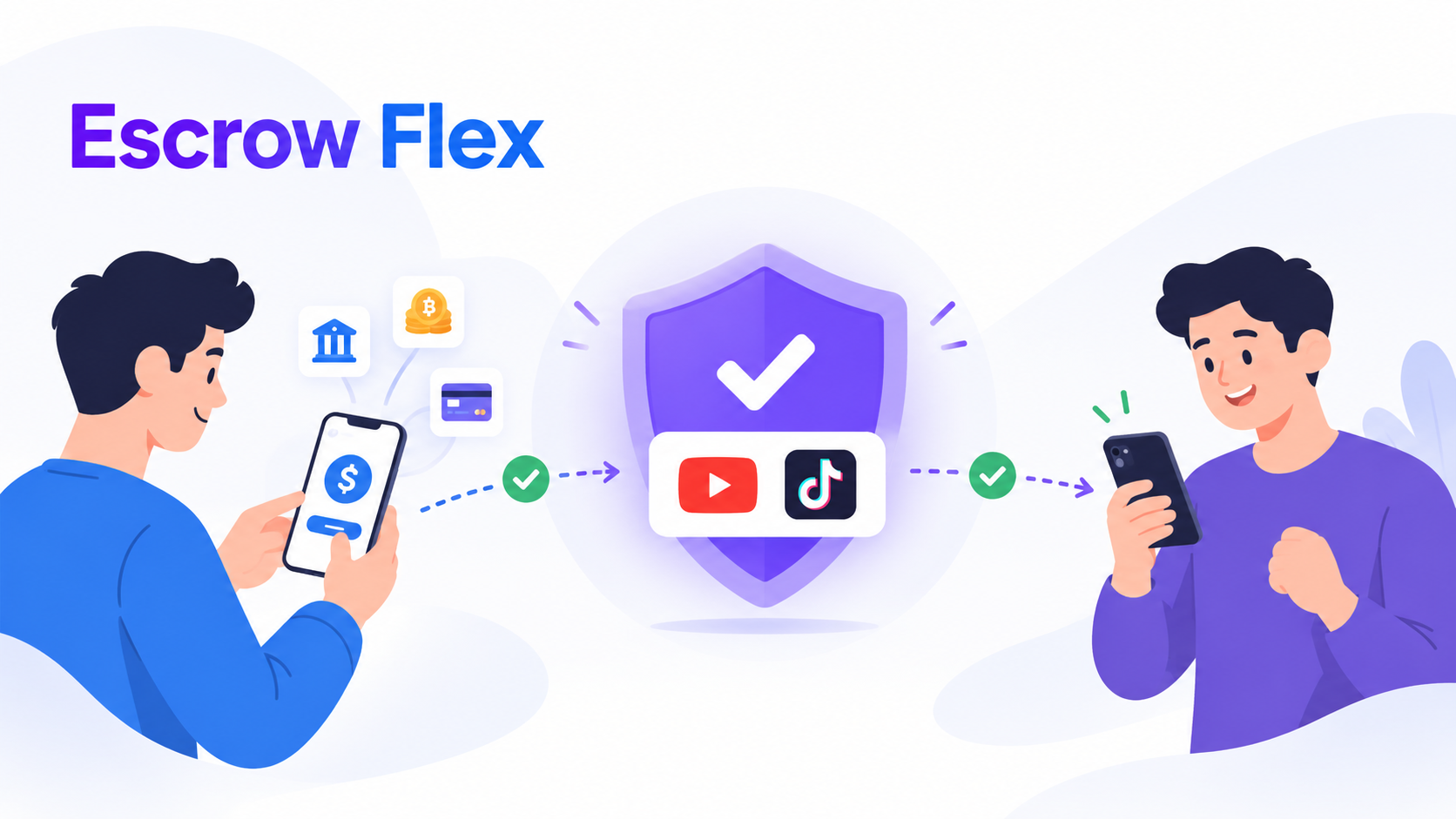
Escrow Flex is AccoSwap's answer for people who want to pay the seller directly, with their own payment method, without taking that risk. The seller hands the account to AccoSwap Escrow first. The buyer pays the seller only after the account is secured. And the account goes to the buyer only after the seller confirms the payment.
This guide explains what Escrow Flex is, how it works step by step, and how to use it safely.
What Is Escrow Flex?
Escrow Flex is a way to buy a channel or account on AccoSwap where:
- The buyer pays the price straight to the seller, with a method the seller accepts, such as PayPal, Wise, USDT, bank transfer, Payoneer or Binance Pay.
- AccoSwap Escrow holds the account while the payment happens, and hands it to the buyer at the end.
- Only the escrow fee is paid through AccoSwap, from an AccoSwap Wallet.
On a listing you will see a purple Buy with Escrow Flex button and an "Escrow Flex" tag when the seller has turned it on. Right now Escrow Flex is available for YouTube channels and TikTok accounts.
Why Use Escrow Flex?
- Pay your own way. Use a payment method you already have, instead of first adding funds to a wallet.
- See it secured before you pay. The escrow page shows when the channel or account is secured, often with screenshots.
- Sellers get paid directly. The money lands in the seller's own account, with no wallet withdrawal to wait for.
- The account is protected the whole time. AccoSwap Escrow keeps it until the payment is confirmed.
How Escrow Flex Works, Step by Step
- The buyer sends a purchase request. On the listing, press Buy with Escrow Flex and pick up to five of the seller's payment methods that you can pay with. Nothing is charged at this step. You can also use Escrow Flex for an offer the seller has accepted.
- The seller accepts the request. The seller has 24 hours to accept or decline.
- The escrow fee is paid. The fee is paid from an AccoSwap Wallet. Usually the buyer pays it. If both agree in chat, the seller can pay it for the buyer, and the buyer then adds the fee to the price they send to the seller.
- The seller hands the account to AccoSwap Escrow. Each platform has its own steps, shown on the escrow page (see below).
- The account is secured. The escrow page shows that the channel or account is secured. The Escrow Team may add screenshots so the buyer can see it.
- The buyer pays the seller. The seller adds their payment details on the escrow page. The buyer pays only to those details, then presses "I have paid" and adds the transaction ID and a receipt.
- The seller confirms the payment. The seller checks their own payment account and confirms once the full amount has arrived.
- The buyer receives the account. AccoSwap Escrow hands the channel or account to the buyer, and the deal is complete.
How the Account Is Secured
YouTube Channels
The seller invites AccoSwap Escrow to the channel. Google asks for a 7-day wait before ownership can move, so after those 7 days the seller makes AccoSwap Escrow the Primary Owner. The Escrow Team then removes everyone else and the channel is secured. At the end, AccoSwap Escrow adds the buyer to the channel as Owner. After Google's 7-day wait, the buyer makes themselves the Primary Owner, following the steps on the escrow page.
TikTok Accounts
The seller sends the account credentials and the authenticator key on the escrow page, and keeps 2-step verification on. For security reasons, TikTok does not allow any changes for 72 hours after a sign-in on a new device. So AccoSwap Escrow signs in, waits 72 hours, and then secures the account with a new email, a new password and a new authenticator key. At the end, the buyer gets these new credentials on the escrow page.
What If Something Goes Wrong?
- The seller says the money did not arrive. A payment dispute opens. The Escrow Team keeps the account and may ask both sides for proof, such as receipts or a screen recording of the payment account. If the payment is shown to have been made, the buyer gets the account.
- The deal is cancelled. If an Escrow Flex deal is cancelled before completion, for any reason, the escrow fee goes back in full to the wallet of whoever paid it. Where AccoSwap Escrow holds the account, it goes back to the seller.
- A request is not answered in time. A request the seller does not answer, or a fee that is not paid in time, simply expires. Nobody is charged.
Escrow Flex vs Standard Escrow
Every listing also has the green Buy now button, which is Standard Escrow. There, the buyer pays the full price through their AccoSwap Wallet at checkout, and the seller is paid into their AccoSwap Wallet after the buyer receives the account. Standard Escrow also has a 24-hour inspection window after the deal.
| Escrow Flex | Standard Escrow | |
|---|---|---|
| Where the price goes | Straight to the seller | Through AccoSwap |
| Ways to pay | Any method the seller accepts (PayPal, Wise, USDT, bank and more) | AccoSwap Wallet |
| When the buyer pays | After the account is secured | At checkout |
| Who secures the account | AccoSwap Escrow | AccoSwap Escrow |
| Escrow fee | Paid by the buyer, or by the seller for the buyer | Paid by the buyer |
| Inspection window and reversal | None. The deal is final when the buyer gets the account | 24 hours |
| Platforms | YouTube and TikTok | All platforms on AccoSwap |
The escrow fee is the same for both: 10% of the price (at least $8) on a free plan, or 7% (at least $4) with Premium. The exact amount is always shown before you pay.
Is Escrow Flex Right for You?
For Buyers
Escrow Flex suits you if you want to pay with PayPal, Wise, USDT, a bank transfer or another method the seller accepts, and you are happy to pay once you can see the account is secured. If you would rather have AccoSwap keep your money until you have the account, use Buy now instead.
For Sellers
Turn on Escrow Flex when you create or edit your listing, and tick the payment methods you accept. Buyers who prefer those methods can then buy from you, and the money arrives in your own account. Only accept methods you trust, because the payment is between you and the buyer.
Safety Tips
- Pay only after the escrow page shows "secured". Never pay earlier.
- Pay only to the details on the escrow page. If anyone sends you other details in chat or anywhere else, do not use them.
- Keep everything on AccoSwap. The Escrow Team can only use what is on the escrow page and in AccoSwap Chat as proof.
- Sellers: confirm only what you can see. Check your own payment account first, and confirm only when the full amount is there.
- Buyers: never reverse the payment. Charging back a payment after you received the account is treated as fraud and can lead to account suspension.
- TikTok buyers: wait 72 hours. After you sign in on your phone, do not change the email, password or 2-step settings for 72 hours. Each early try makes TikTok start the 72 hours again.
Common Questions
Does AccoSwap hold my money in Escrow Flex?
No. In Escrow Flex the price goes from the buyer to the seller directly. AccoSwap holds the account, not the money. That is why the buyer pays only after the account is secured, and the account goes to the buyer only after the seller confirms the payment or the Escrow Team decides a dispute.
Can I get a refund of the price?
AccoSwap cannot refund, reverse or recover a payment sent between buyer and seller, because that payment never passes through AccoSwap. The escrow fee is refunded in full if the deal is cancelled before completion.
Do I need money in my AccoSwap Wallet?
Only for the escrow fee. The price itself is paid to the seller with the method you choose.
Why don't I see the Escrow Flex button?
The seller has not turned on Escrow Flex for that listing, or the listing is not on YouTube or TikTok. You can still buy with Standard Escrow using the Buy now button.
Final Word
Escrow Flex gives you the freedom to pay the seller your own way, while AccoSwap Escrow keeps the channel or account protected from start to finish. Pay only after the account is secured, pay only to the details on the escrow page, and keep every message in AccoSwap Chat.
Have a question about a deal? Contact the AccoSwap Escrow Team from your escrow page or AccoSwap Chat.
On Accoswap
Ready to act on this guide?
Tags:

Previous Article
How to Safely Secure a TikTok Account After Purchase: Buyer & Seller Transfer Guide