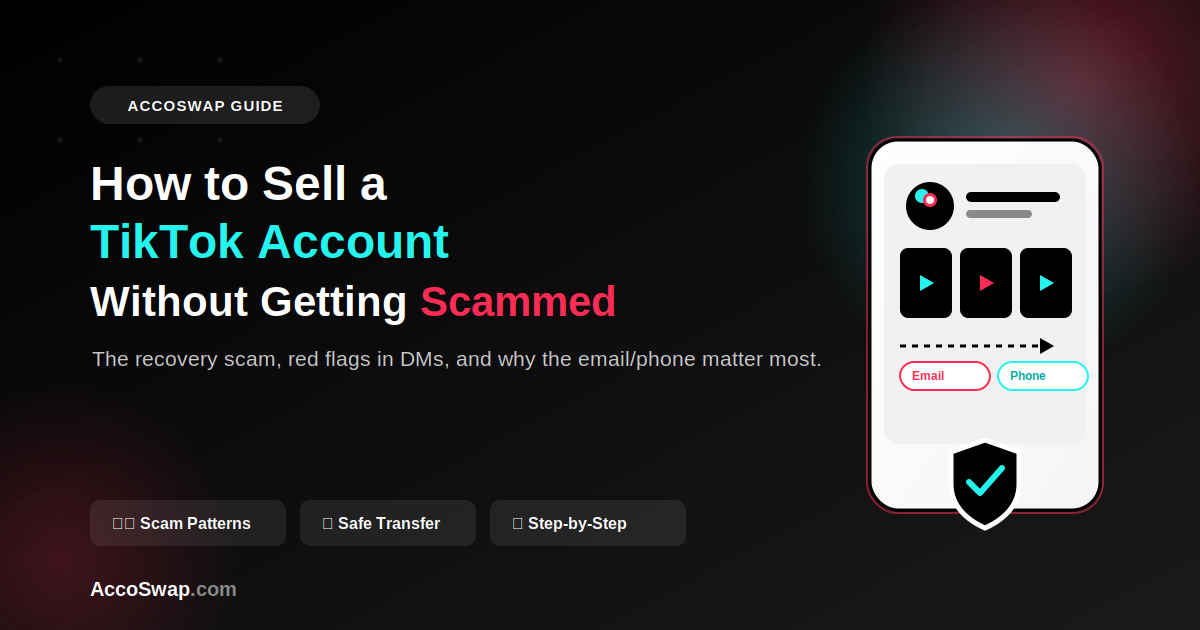
How to Sell a TikTok Account Without Getting Scammed
Someone slid into your DMs offering to buy your TikTok account. Maybe it's a real offer. Maybe it's someone who's done this before, knows exactly how to take the account and vanish, and is counting on you not knowing the difference.
Selling a TikTok account isn't complicated once you understand how ownership actually transfers and where the scams hide in that process. Most people who get burned don't get burned because they were careless — they get burned because nobody explained the mechanics to them first.
How a TikTok Account Actually Changes Hands
A TikTok account isn't just a username and password. It's tied to an email address and usually a phone number, and both of those are the real keys to the account.
Handing over just the password is not a transfer — it's a loan. Whoever controls the linked email or phone number can trigger a password reset at any time and take the account straight back, whether or not you handed over the login. This is the single most misunderstood part of TikTok account sales, and it's where almost every scam starts.
A real transfer requires:
- Changing the linked email to one the buyer controls, and confirming that change
- Changing or removing the linked phone number, replacing it with the buyer's
- Removing any linked third-party logins (Google, Apple, Facebook) that could let the original owner back in
- Turning off or transferring two-factor authentication so the seller can't use it to regain access
Until all of that is done, the buyer doesn't actually own the account. They're just using someone else's account with permission that can be revoked at any moment.
The Recovery Scam: How It Actually Plays Out
This is the scam that catches the most buyers, and it's worth walking through exactly how it happens.
- Buyer and seller agree on a price. Buyer pays.
- Seller changes the account password and sends new login details. Looks like a clean handoff.
- What the seller didn't change: the original email and phone number still tied to the account.
- A few days or weeks later, the seller submits an account recovery request to TikTok using that original email or phone number, claiming the account was "hacked" or "compromised."
- TikTok's recovery flow verifies ownership through the original contact method — which the seller still controls — and resets access back to the seller.
- The buyer is locked out entirely. The seller now has both the money and the account back.
The account looked fully transferred on day one. It wasn't. The email and phone number were the actual lock, and the seller never handed over the key — they just changed the doorknob temporarily.
What makes an account genuinely safe from this: the email and phone number are changed to the buyer's own, confirmed, and the seller no longer has access to any recovery method. If a seller resists changing the linked email or phone "for security reasons" or says they'll "do it later," that hesitation is the whole scam.
The Reverse Scam: Buyer Takes the Account and Never Pays
The same trust gap works against sellers too.
The most common version: the seller hands over full access (new email confirmed, password changed) before receiving payment, expecting the buyer to pay right after. The buyer confirms access works, then stops responding. Payment never arrives.
A second version is more subtle and hits sellers who thought they were protected: the buyer pays through a method that supports chargebacks, waits until the transfer is complete, then disputes the charge with their bank or payment provider claiming fraud or non-delivery. The seller loses the account and the money, because the platform sides with the payment dispute unless there's strong proof otherwise.
Both versions share the same root cause as the recovery scam: whoever moves first — the money or the access — is exposed, and there's no way to fully protect yourself in a direct, unmediated deal.
Why Screenshots of Analytics Prove Nothing
Screenshots are trivial to fake or crop misleadingly, and any serious buyer knows this. If a seller's entire proof of an account's performance is a static image, that's a gap, not evidence.
What a serious buyer actually asks for instead:
- A live screen share of the analytics dashboard, so the numbers can be seen in real time rather than in an edited image.
- A posted verification video — something posted at the buyer's request, on camera, proving current control of the account and matching the analytics being claimed.
- Temporary view-only access, if the platform or a third-party tool allows it, so the buyer can check follower authenticity and engagement history directly.
If a seller refuses all three of these and insists their screenshots are enough, that's worth treating as a red flag rather than pushing past.
Red Flags in DM Offers
If you were approached out of nowhere with a buy offer, run it against this list before you get further into the conversation.
- Urgency. "I need to close this today" or "this offer expires in an hour" is a pressure tactic, not a real deadline. Legitimate buyers can wait a few days for you to verify them.
- Off-platform payment apps with no protection, especially ones with no dispute process for either party.
- "Friends and family" payment requests. This specifically removes any buyer or seller protection those payment services normally offer, and a buyer asking for it is trying to avoid accountability if something goes wrong.
- "I'll pay half now, half later." This creates exactly the exposure window described above — you're now trusting a stranger to follow through on the second half after they already have partial access or full access.
- Refusal to use any form of escrow or protected transaction. If someone will only do a direct, informal deal and won't consider anything else, ask yourself why a legitimate buyer would object to added protection that costs them nothing to use correctly.
None of these alone proves someone's a scammer. Together, especially two or three at once, they're a strong signal to slow down.
Why a Holding Period After Transfer Matters
Even after login credentials, email, and phone number are all transferred, there's a window where things can still go wrong — a dispute over what was agreed, a claim that the account doesn't match what was described, or an attempted recovery attempt slipping through.
This is why serious transactions build in a holding period after the transfer, where the buyer confirms the account is stable and fully under their control before funds are considered final. Escrow is what makes this possible without either side just trusting the other's word: the payment sits with a neutral third party during that window, so neither the buyer nor the seller can walk away with both the money and the account. If you want to see what that process looks like end-to-end for TikTok specifically, this guide to selling a TikTok account walks through the steps.
Preparing the Account Before You List It
A clean account sells faster and avoids disputes later.
Check for prior strikes or restrictions. Look through the account's violation history in settings. Undisclosed strikes are one of the most common reasons buyers ask for a refund or open a dispute after the fact.
Confirm the account isn't shadow-restricted. If reach has dropped noticeably without explanation, note it honestly. A buyer who discovers this after paying full price for a "healthy" account will consider it misrepresentation.
Clean up the linked email. Make sure it's an email you're actually willing to hand over entirely, not one tied to other personal accounts you need to keep.
Remove old linked logins and devices you no longer want having access, so the handoff is clean rather than leaving loose threads.
Documentation to Keep
If a dispute happens, whoever has records wins the argument. Keep:
- The full conversation history with the buyer or seller, including the agreed price and terms
- Screenshots of the account's condition at time of listing (analytics, strike history, follower count)
- Confirmation messages or emails showing when email/phone changes were made
- Payment confirmation or receipt showing amount, date, and method
If you're browsing to get a sense of what similar accounts are listed for before you set your price, current TikTok account listings give a reasonable read on the market.
FAQ
Can a seller really get my TikTok account back after I've paid and changed the password?
Yes, if the original email or phone number tied to the account wasn't changed to yours. TikTok's account recovery process verifies through those original contact methods, so whoever controls them can regain access regardless of the current password.
Yes, if the original email or phone number tied to the account wasn't changed to yours. TikTok's account recovery process verifies through those original contact methods, so whoever controls them can regain access regardless of the current password.
Is it enough to just change the password after buying an account?
No. The password is the least important part of the transfer. The email and phone number are what actually determine who can recover the account later, and both need to be fully changed to the buyer's control.
No. The password is the least important part of the transfer. The email and phone number are what actually determine who can recover the account later, and both need to be fully changed to the buyer's control.
What should I do if a buyer offers to pay half upfront and half after confirming the account works?
Treat it as a risk regardless of how reasonable it sounds, since it still requires one side to extend trust without protection. A neutral holding arrangement that releases funds only once both sides have confirmed the deal is complete removes this risk from either side.
Treat it as a risk regardless of how reasonable it sounds, since it still requires one side to extend trust without protection. A neutral holding arrangement that releases funds only once both sides have confirmed the deal is complete removes this risk from either side.
How can I verify a TikTok account's engagement is real before buying it?
Ask for live screen access to the analytics dashboard rather than screenshots, and request a video posted specifically for you to confirm current control and activity. Static images alone can be faked or taken out of context.
Ask for live screen access to the analytics dashboard rather than screenshots, and request a video posted specifically for you to confirm current control and activity. Static images alone can be faked or taken out of context.
On Accoswap
Ready to act on this guide?