How to Buy a YouTube Channel — Step by Step Guide 2026
Building a YouTube channel from zero takes time most people simply do not have. You need 1,000 subscribers and 4,000 watch hours just to apply for monetization, and according to industry data, only around 3% of all YouTube channels ever reach that threshold. That reality is exactly why buying an established channel has become such a popular shortcut in 2026 — you skip the hardest part and start with something that already works.
This guide walks you through the entire process from start to finish — how to decide what kind of channel to look for, how to evaluate listings properly, what the transfer actually involves, and how to complete the purchase safely without losing your money to a scam.
Step 1: Decide What You Actually Want From a Channel
Before you start browsing listings, get clear on your goal. This single decision shapes everything else.
Are you buying for immediate income? If so, prioritize monetized channels with consistent revenue history over channels with high subscriber counts but no monetization.
Are you buying to build a long-term brand? If so, niche alignment and content quality matter more than raw numbers — you want a channel whose existing audience genuinely fits where you want to take it.
Are you buying as a digital asset to grow and resell? If so, look for channels with strong growth potential, a clean history, and room to scale rather than channels that have already peaked.
Knowing this upfront stops you from getting distracted by impressive-looking listings that do not actually fit what you are trying to accomplish.
Step 2: Understand the Different Types of Channels Available
Not every YouTube channel for sale is the same. Understanding your options helps you search more effectively.
Non-monetized channels have not yet reached the YouTube Partner Program threshold but may already have real subscribers and watch history. These are more affordable and suit buyers who want to grow a channel themselves while skipping the very first stage.
Monetized channels are already approved for the Partner Program and earning AdSense revenue. These cost significantly more but generate income from day one of ownership.
Aged channels were created years ago and carry algorithmic trust that newer channels do not have, even if they have minimal content. YouTube's systems treat established accounts differently than brand new ones.
Faceless channels are built around content rather than a personal identity — tutorials, compilations, educational content. These transfer more cleanly because the audience follows the topic, not a specific person.
Niche channels are focused on a specific subject — finance, gaming, tech, fitness — and their value depends heavily on how commercially valuable that niche is to advertisers.
Step 3: Set a Realistic Budget Based on Real Pricing
Knowing what channels actually cost prevents you from either overpaying or dismissing fair offers as too expensive.
| Channel Type | Estimated Price Range |
|---|---|
| Non-monetized, under 5K subs | $50 – $500 |
| Non-monetized, 5K–20K real subs | $500 – $2,000 |
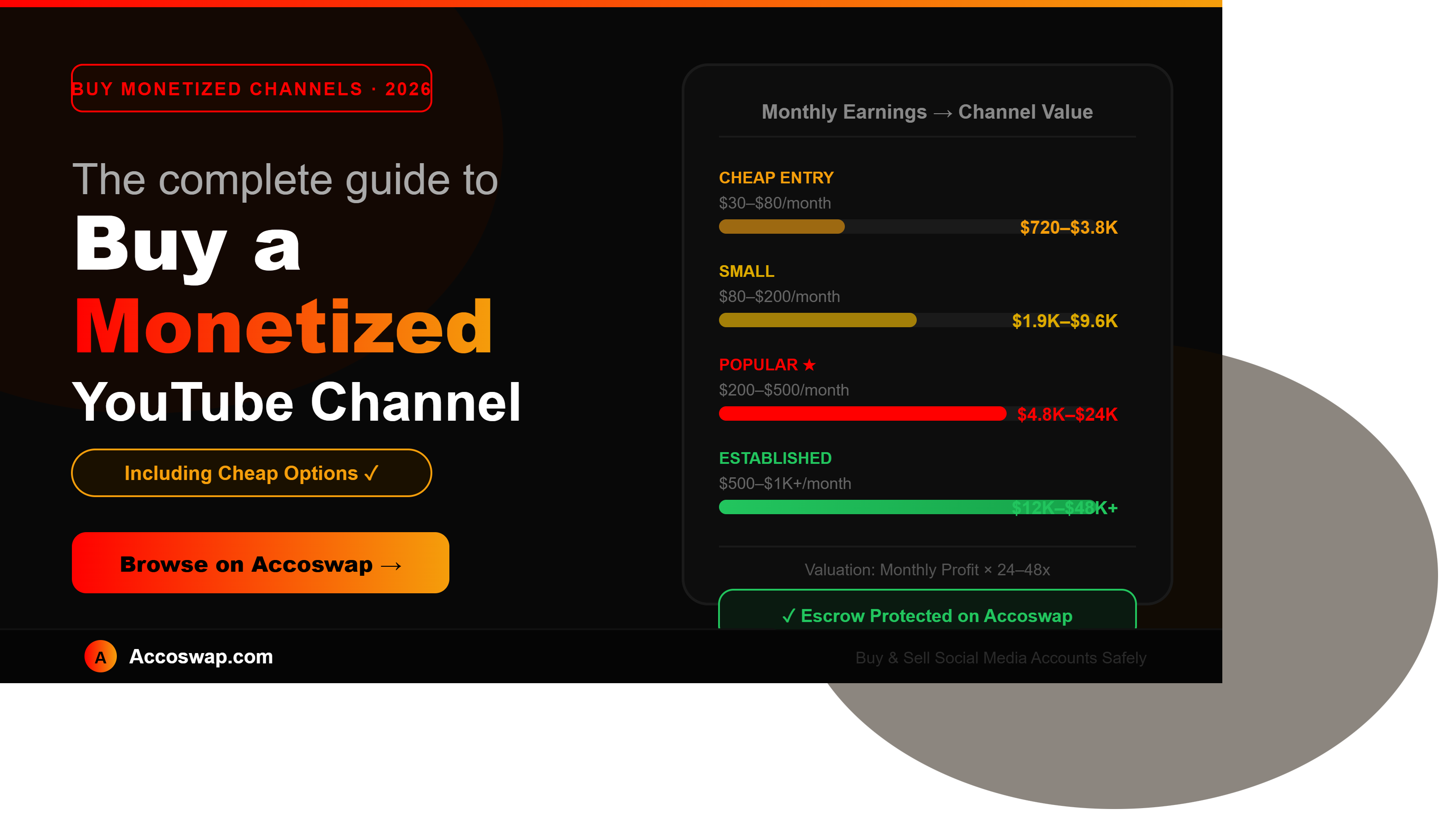
| Monetized, earning $100/month | $2,400 – $4,800 |
| Monetized, earning $300/month | $7,200 – $14,400 |
| Monetized, earning $500/month | $12,000 – $24,000 |
| Established niche channel, $1,000+/month | $24,000 and above |
For monetized channels, the most common valuation method is a multiple of monthly net profit — typically 24x to 48x in today's market. A channel earning $200 a month in consistent profit would realistically sell somewhere between $4,800 and $9,600. If a listing seems dramatically cheaper than this for the stated metrics, that is a signal to investigate carefully rather than rush to buy.
Step 4: Search and Shortlist Channels
Browse listings on a verified marketplace and build a shortlist of channels that match your budget, niche, and goals. Do not commit to the first listing that looks appealing — compare several similar channels in the same price range so you develop a realistic sense of what good value actually looks like before you make any decisions.
Pay attention to how complete and transparent each listing is. Sellers who provide detailed analytics, clear revenue history, and thorough descriptions are generally more trustworthy than listings with vague, minimal information.
Step 5: Verify the Channel Thoroughly Before Committing
This is the step that separates a smart purchase from an expensive mistake. Go through each of these before paying anything.
Request live analytics access, not just screenshots. Screenshots can be edited. Ask for a live screen share of YouTube Studio showing subscriber growth, monthly views, watch time, and revenue history if applicable.
Check engagement against subscriber count. A channel with 10,000 subscribers should show meaningful views per video — generally somewhere in the range of 5% to 25% of the subscriber count, depending on the niche. Dramatically lower numbers suggest fake or inactive subscribers.
Review the upload history. Consistent, on-topic content over time is a strong positive signal. Long gaps, random unrelated topics, or a sudden burst of uploads right before listing are all worth questioning.
Confirm the channel has no active strikes. Copyright strikes or community guideline violations are a liability that transfers with the channel. Ask directly and verify before proceeding.
Check revenue consistency, not a single good month. If the channel is monetized, ask for at least 6 to 12 months of earnings history. A single strong month followed by weak ones often means a viral spike inflated the numbers temporarily.
Step 6: Understand How the Transfer Actually Works
YouTube channels are transferred through Google's official Brand Account ownership system — this is the only safe, legitimate method, and it is important to understand exactly how it works before you buy.
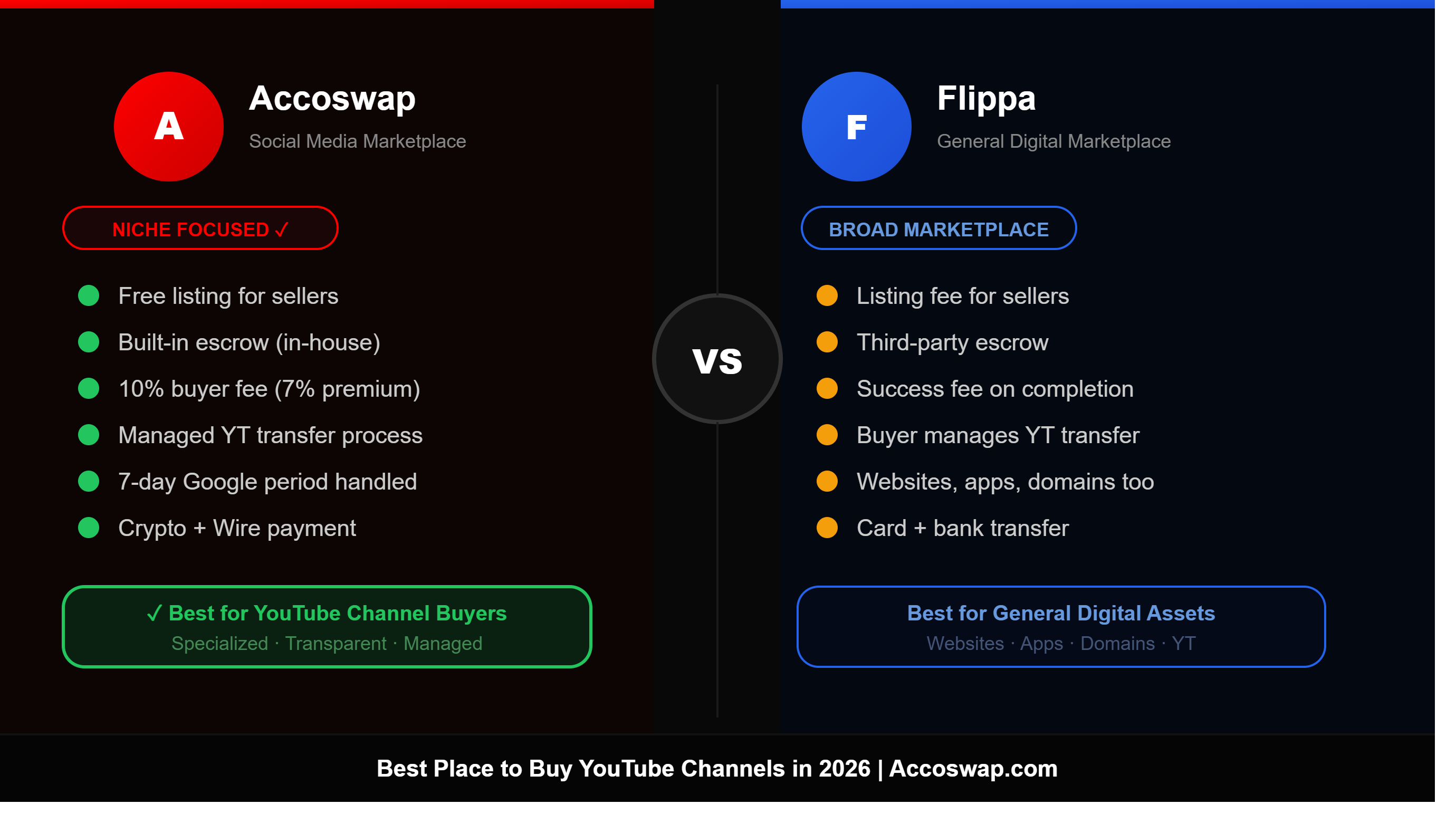
On a marketplace like Accoswap, the process works like this: once your payment is secured, the seller adds Accoswap's escrow email as an owner on their Google Brand Account. Escrow verifies the channel and accepts ownership, then you — the buyer — are invited as a Manager using the Gmail address you provided at checkout.
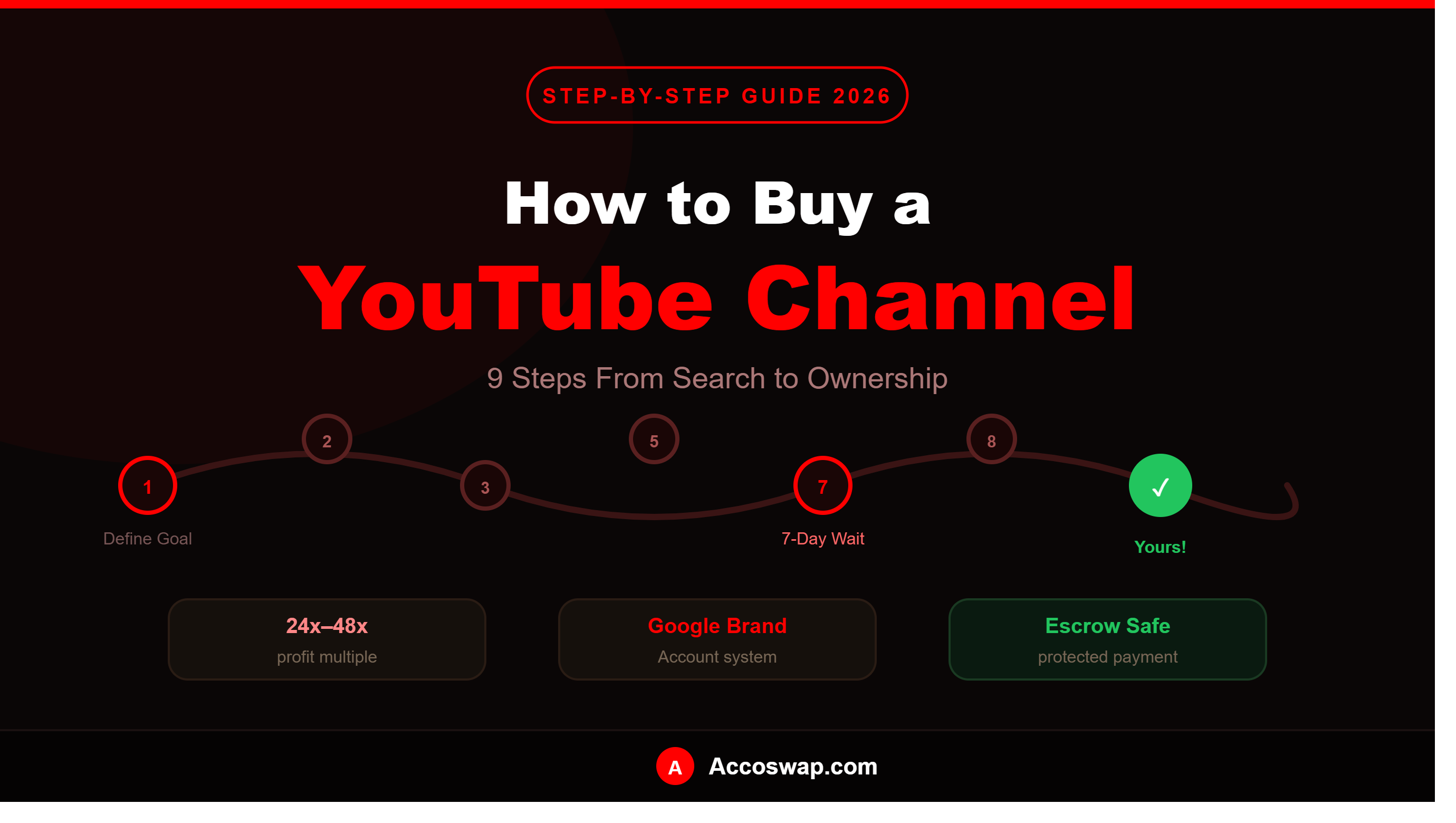
Here is the part many first-time buyers do not expect: Google requires a mandatory 7-day security waiting period before any new owner can become the Primary Owner. This is Google's own policy, not something the marketplace controls, and it exists specifically to prevent unauthorized account takeovers. During this week, you have Manager access to review the channel, but full ownership has not transferred yet.
After the 7 days are complete, escrow makes you the Primary Owner and removes the seller's access entirely. Your payment is then released. Never accept a transfer that involves simply handing over a Gmail password — that is not a real transfer, it gives the original owner a path to recover the account later, and it should be treated as an immediate red flag.
Step 7: Use Escrow Protection — Never Pay Directly
This is non-negotiable regardless of how trustworthy a seller seems. Never send payment directly to a seller through PayPal, crypto, or bank transfer with no protection. This is exactly how the vast majority of YouTube channel scams happen — the buyer pays, the seller never transfers the channel or disappears entirely, and there is no way to recover the money.
On a verified marketplace like Accoswap, your payment is held securely in escrow from the moment you check out. It is never released to the seller until the channel transfer is fully verified and you have confirmed you have full ownership. This single decision eliminates the most common and most costly risk in the entire buying process.
Step 8: Complete the Purchase on Accoswap
Here is exactly how it comes together from start to finish:
Browse and select. Find a channel that matches your goals and budget, and either make an offer or buy directly at the listed price.
Fund the escrow. Your payment is locked securely in escrow. You also provide your Gmail address at this point — this is where you will receive Manager access.
Seller transfers to escrow. The seller adds Accoswap's escrow email as owner on their Brand Account, and escrow verifies the channel details.
You are invited as Manager. Once verification is complete, your Gmail is invited to the channel. Accept this invitation promptly — if you do not respond within 24 hours, the system automatically accepts on your behalf so the transaction is never left stuck.
The 7-day period runs. This is Google's mandatory security window, and there is nothing you need to do during this time beyond reviewing the channel as Manager.
Final handover. After 7 days, escrow makes you Primary Owner, removes the seller, and releases your payment from escrow to the seller's balance. The channel is now fully and exclusively yours.
Step 9: Secure and Settle Into the Channel
Once you have full ownership, a few final steps protect your investment and help the channel transition smoothly.
Disconnect the seller's AdSense if the channel was monetized, and connect your own — this may trigger a brief review period before earnings resume. Avoid making dramatic changes to branding or content style immediately; ease into your own direction gradually to retain as much of the existing audience as possible. Continue posting in a way that feels consistent with what subscribers originally followed the channel for, at least initially.
Frequently Asked Questions
How much does it cost to buy a YouTube channel?
Prices range from as little as $50 for a small non-monetized channel to tens of thousands of dollars for an established, monetized channel with significant revenue. Monetized channels are typically valued at 24x to 48x their average monthly net profit.
Prices range from as little as $50 for a small non-monetized channel to tens of thousands of dollars for an established, monetized channel with significant revenue. Monetized channels are typically valued at 24x to 48x their average monthly net profit.
Is it legal to buy a YouTube channel?
Yes. YouTube does not prohibit channel ownership transfers. The legitimate method is through Google's Brand Account system, which allows ownership to change hands cleanly without violating platform policy.
Yes. YouTube does not prohibit channel ownership transfers. The legitimate method is through Google's Brand Account system, which allows ownership to change hands cleanly without violating platform policy.
How long does the transfer take?
The full process typically takes around 7 to 10 days, primarily because of Google's mandatory 7-day security waiting period required before final ownership transfer.
The full process typically takes around 7 to 10 days, primarily because of Google's mandatory 7-day security waiting period required before final ownership transfer.
What if the channel does not match what was listed?
On Accoswap, your payment remains in escrow until the transfer is verified and you confirm everything matches. If there is a genuine issue, the support team reviews it before any payment is released.
On Accoswap, your payment remains in escrow until the transfer is verified and you confirm everything matches. If there is a genuine issue, the support team reviews it before any payment is released.
Can I buy a non-monetized channel and monetize it myself?
Yes, and many buyers do exactly this. Once the channel meets the 1,000 subscriber and 4,000 watch hour thresholds, you can apply for the YouTube Partner Program under your own ownership.
Yes, and many buyers do exactly this. Once the channel meets the 1,000 subscriber and 4,000 watch hour thresholds, you can apply for the YouTube Partner Program under your own ownership.
Is it safe to buy a YouTube channel?
It is safe when done through a verified marketplace with escrow protection and proper due diligence. The biggest risk — losing your money to a seller who never delivers — is eliminated by never paying directly and always using escrow.
It is safe when done through a verified marketplace with escrow protection and proper due diligence. The biggest risk — losing your money to a seller who never delivers — is eliminated by never paying directly and always using escrow.
Ready to Buy Your First YouTube Channel?
Buying a YouTube channel in 2026 is one of the most effective shortcuts available for entering the creator economy without spending a year building from nothing. The key is doing it methodically — know what you want, verify everything before paying, understand the transfer process, and never skip escrow protection.
Browse verified YouTube channels for sale on Accoswap and find the right one for your goals.
On Accoswap
Ready to act on this guide?
Tags: