How to Sell Your YouTube Channel Safely in 2026 (Complete Guide)
Have you spent months or years building a YouTube channel and now you want to cash out? You are not alone. Thousands of creators sell their YouTube channels every year — and in 2026, the market for buying and selling YouTube channels is bigger than ever.
Whether you have a small monetized channel or a large authority channel, this complete guide will show you exactly how to sell your YouTube channel safely, get the best price, and avoid common scams.
Why Do People Sell Their YouTube Channels?
Before we dive into the process, let us understand why creators choose to sell:
- Burnout or loss of interest in the niche
- Need for quick cash or business investment
- Built the channel as a digital asset to flip for profit
- Switching to a different niche or platform
- Businesses acquiring established audiences
Whatever your reason, selling your YouTube channel can be a smart financial decision — if done correctly.
Is It Legal to Sell a YouTube Channel in 2026?
Yes. Selling a YouTube channel is legal. YouTube does not officially prohibit channel transfers. The standard and safe method is transferring ownership through a Google Brand Account, which allows you to add a new owner and remove yourself cleanly.
What YouTube does not allow is selling access to monetization features as a standalone service. A full channel transfer — including all content, subscribers, and account access — is completely different and is the standard model used by every reputable marketplace.
Step 1: Know Your Channel's Value
Before listing your channel for sale, you need to understand what it is worth. Pricing depends on several key factors:
Subscribers and Views
More subscribers and consistent monthly views mean higher value. A channel with 10,000 real subscribers is worth significantly more than one with 10,000 fake or inactive subscribers.
Monetization Status
Monetized channels — those approved for the YouTube Partner Program — sell for much higher prices than non-monetized ones. Buyers are willing to pay a premium for channels that already generate AdSense revenue.
Niche and Audience Quality
Finance, technology, health, and business channels attract higher prices because advertisers pay more in these niches. A US or UK audience also adds significant value compared to traffic from lower-CPM regions.
Revenue History
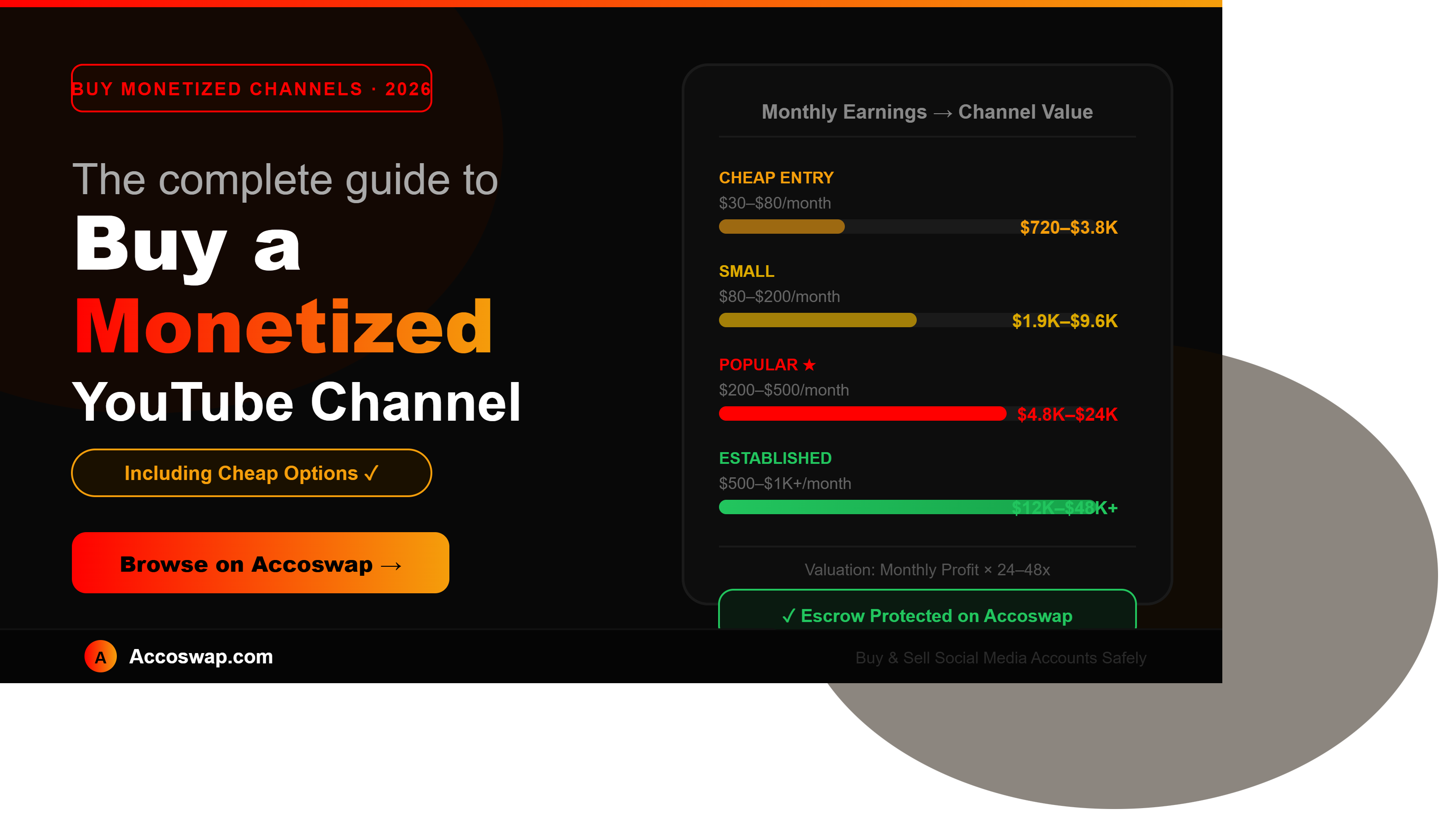
If your channel generates consistent monthly income, buyers will typically offer 12x to 36x your average monthly revenue as the purchase price.
Content Quality and Consistency
Channels with regular uploads, clean content history, and no copyright strikes are far more attractive to buyers.
Step 2: Prepare Your Channel for Sale
Before listing, make sure your channel is ready:
- Confirm your channel is set up as a Google Brand Account (required for ownership transfer)
- Clear all copyright strikes and community guideline violations
- Take screenshots of your YouTube Analytics — views, subscribers, revenue
- Document your average monthly AdSense earnings
- Remove any personal information from channel description or linked accounts
- Make sure your channel is in good standing with no pending policy reviews
Step 3: Choose a Trusted Marketplace
This is the most important step. Never sell your YouTube channel through random WhatsApp groups, Telegram chats, or social media DMs. These are breeding grounds for scams.
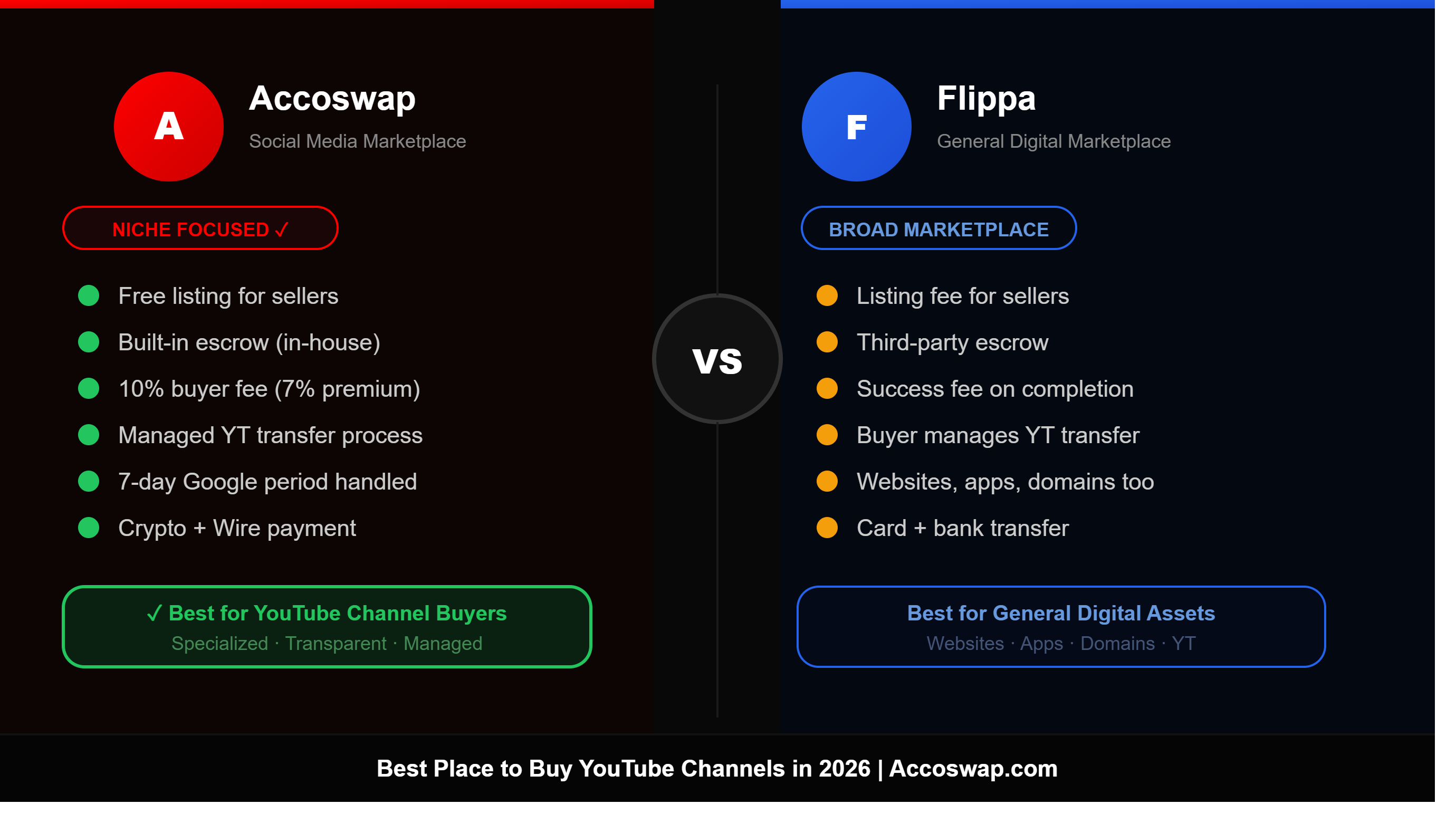
Instead, use a trusted and verified marketplace like Accoswap where:
- Buyers are verified before they can contact sellers
- Every transaction uses secure escrow protection
- Your channel listing gets real visibility from serious buyers
- A dedicated support team guides you through the transfer process
- Your payment is protected until the buyer confirms successful ownership transfer
Listing your channel on Accoswap is simple, free, and gives you access to a growing pool of genuine buyers looking for exactly what you are selling.
Step 4: Create a Strong Listing
A good listing attracts more buyers and gets you a better price. Here is what to include:
Channel Title and Niche
Be clear about what your channel is about. Buyers search by niche, so make sure your niche is clearly mentioned.
Subscriber Count and Monthly Views
Include your current subscriber count and average monthly views. Use real numbers only — fake numbers get flagged immediately.
Monetization Status
Clearly state whether your channel is monetized. If yes, mention your average monthly earnings.
Audience Demographics
Include your top audience countries from YouTube Analytics. US, UK, Canada, and Australia audiences are highly valued.
Asking Price
Set a realistic price based on your channel's value. Overpriced listings sit unsold. Underpriced listings leave money on the table.
Screenshots
Include screenshots of your analytics dashboard, subscriber growth chart, and revenue reports. Buyers trust listings with real proof.
Step 5: Negotiate With Buyers
Once your listing is live, interested buyers will contact you through the platform's messaging system. Here are tips for negotiating effectively:
- Be honest about your channel's performance — misleading buyers leads to disputes
- Share additional analytics if serious buyers request them
- Do not rush into a deal just because someone offers a quick payment
- Consider the buyer's profile and verified status before agreeing to proceed
- Negotiate a price that reflects your channel's real value
Step 6: Always Use Escrow Protection
Never transfer your YouTube channel before receiving payment. This is how most channel selling scams happen.
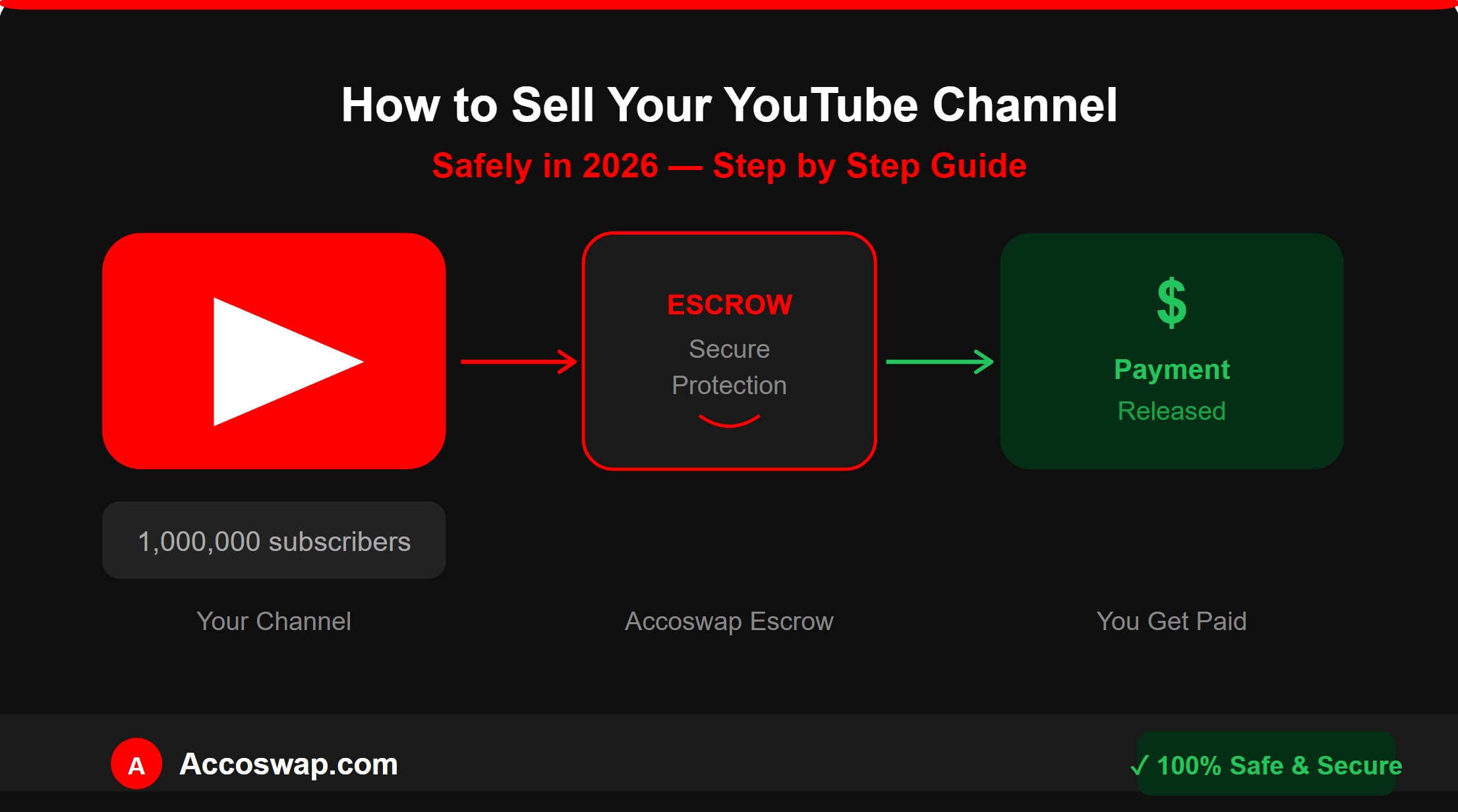
Escrow works like this:
- The buyer deposits the agreed payment into the escrow account
- You receive confirmation that funds are secured
- You initiate the channel ownership transfer through Google Brand Account settings
- The buyer verifies they have received full access to the channel
- Escrow releases your payment once the buyer confirms the transfer is complete
Platforms like Accoswap have built-in escrow protection, so both buyer and seller are fully protected throughout the process.
Step 7: Transfer Ownership Safely
Selling a YouTube channel involves real money and real risk. This is why Accoswap uses a secure, step-by-step escrow transfer process that fully protects both the buyer and the seller from start to finish. Here is exactly how the entire ownership transfer works:
Step 1: Buyer Deposits Payment Into Escrow
Once you and the buyer agree on a price, the buyer deposits the full payment into Accoswap's secure escrow account. You will receive a notification confirming that the funds are held and secured. Your payment is safe and will not be released until the transfer is fully complete.
Step 2: You Add the Accoswap Escrow Email as Owner
After payment is confirmed in escrow, you will go to your YouTube Brand Account settings and add the Accoswap escrow email address as an Owner of your channel. This gives Accoswap neutral oversight and officially begins the secure transfer process.
Step 3: Escrow Team Verifies the Channel
Once the escrow email has been added as Owner, the Accoswap escrow team will thoroughly verify the channel — checking real subscriber count, monetization status, analytics, content history, copyright strikes, and confirming that everything matches the listing details exactly. Only after this verification is complete does the process move forward.
Step 4: Escrow Team Adds the Buyer as Manager
After channel verification is complete, the Accoswap escrow team will add the buyer as a Manager on your channel. As a Manager, the buyer can view the channel and confirm the details — but does not have full ownership or control at this stage.
Step 5: 7-Day Holding Period — As Per Google Policy
After the buyer is added as Manager, a 7-day holding period begins — as required by Google's own policy. Google mandates that when a new Owner is added to a Brand Account, a waiting period of 7 days must be completed before that person can be upgraded to Primary Owner. This is not Accoswap's rule — this is Google's official policy to protect channel owners from unauthorized transfers.
During these 7 days:
- The buyer will remain as Manager on the channel — they can access and view the channel but cannot make any ownership changes
- The buyer has channel access during this period to verify everything is as listed
- The buyer is strictly not allowed to make any changes or perform any activity on the channel during this 7-day period — no uploading, no editing, no changing settings, no touching monetization
- If the buyer makes any unauthorized changes or activity during this period, full responsibility lies with the buyer and the Accoswap escrow team will take action accordingly
- Your payment remains safely held in escrow throughout this entire period
After the 7 days are complete, the Accoswap escrow team will then upgrade the buyer to Primary Owner and remove your email — as explained in the next step.
Step 6: Escrow Upgrades Buyer to Primary Owner
After the 7-day holding period is complete, the Accoswap escrow team will upgrade the buyer from Manager to Primary Owner and remove your email address from the channel completely. This entire step is handled solely by the Accoswap escrow team — the seller cannot rush it and the buyer cannot skip it.
Step 7: Your Payment Is Released
Once the transfer is confirmed complete, Accoswap's escrow system releases your full payment to you immediately. The deal is done. Both sides are fully protected.
Why This Process Is 100% Safe
| Risk | How Escrow Prevents It |
|---|---|
| Seller transfers channel without receiving payment | Payment held in escrow before transfer begins |
| Buyer pays but never receives channel | Transfer managed entirely by escrow team |
| Seller recovers channel after sale | Seller email completely removed by escrow |
| Buyer makes unauthorized changes during transfer | Strictly prohibited — buyer bears full responsibility |
| Direct password sharing risk | Never needed — Brand Account permissions used |
Important Reminder: The entire transfer is handled by the Accoswap escrow team from start to finish. No passwords are ever shared. No direct dealing between buyer and seller during transfer. This is the safest way to sell your YouTube channel in 2026.
Common Scams to Avoid
Sadly, channel selling scams are common. Here are the most frequent ones:
Fake Escrow Services
Scammers create fake escrow websites that look real but steal your money. Always use the escrow built into your trusted marketplace.
Payment Reversal Scams
Buyers pay via PayPal or similar services, you transfer the channel, then they file a chargeback. Use non-reversible payment methods through verified platforms only.
Account Recovery After Sale
Sellers transfer access then recover the Google account after payment. A clean Brand Account transfer managed by escrow eliminates this risk completely.
Fake Buyer Urgency
Scammers pressure you to transfer quickly before "losing the deal." Legitimate buyers are patient and always follow the proper escrow process.
How Much Can You Earn From Selling Your YouTube Channel?
Here is a rough guide to channel valuations in 2026:
| Channel Type | Estimated Price Range |
|---|---|
| Non-monetized, 1K–5K subs | $50 – $300 |
| Monetized, small channel | $300 – $2,000 |
| Monetized, $100/month revenue | $1,200 – $3,600 |
| Established niche channel, 50K subs | $2,000 – $15,000 |
| High-authority channel, 100K+ subs | $10,000 and above |
The better your niche, audience quality, and revenue history — the higher your final sale price.
Frequently Asked Questions
Can I sell a non-monetized YouTube channel?
Yes. Non-monetized channels still have value based on subscriber count, views, niche, and growth potential. Buyers often purchase them to grow and monetize themselves.
How long does it take to sell a YouTube channel?
On active marketplaces, channels with realistic pricing and good analytics typically sell within 15 to 45 days.
Do I pay tax on selling my YouTube channel?
In most countries, selling a digital asset is a taxable event. Consult a local tax professional for advice specific to your situation.
Can I sell a YouTube channel I bought from someone else?
Yes, as long as you are the current legitimate owner with full account access, you can resell a channel you previously purchased.
What happens to my AdSense account after I sell the channel?
Your AdSense account stays with you. The buyer connects their own AdSense account after the channel transfer is complete.
Final Thoughts
Selling your YouTube channel in 2026 is absolutely possible — and with the right preparation, the right marketplace, and proper escrow protection, it can be a smooth and profitable experience.
The key is to be honest about your channel's performance, price it fairly, use a trusted platform, and never skip escrow protection.
Ready to list your YouTube channel for sale? Create your free listing on Accoswap today and connect with thousands of verified buyers looking for channels just like yours.
On Accoswap
Ready to act on this guide?
Tags: