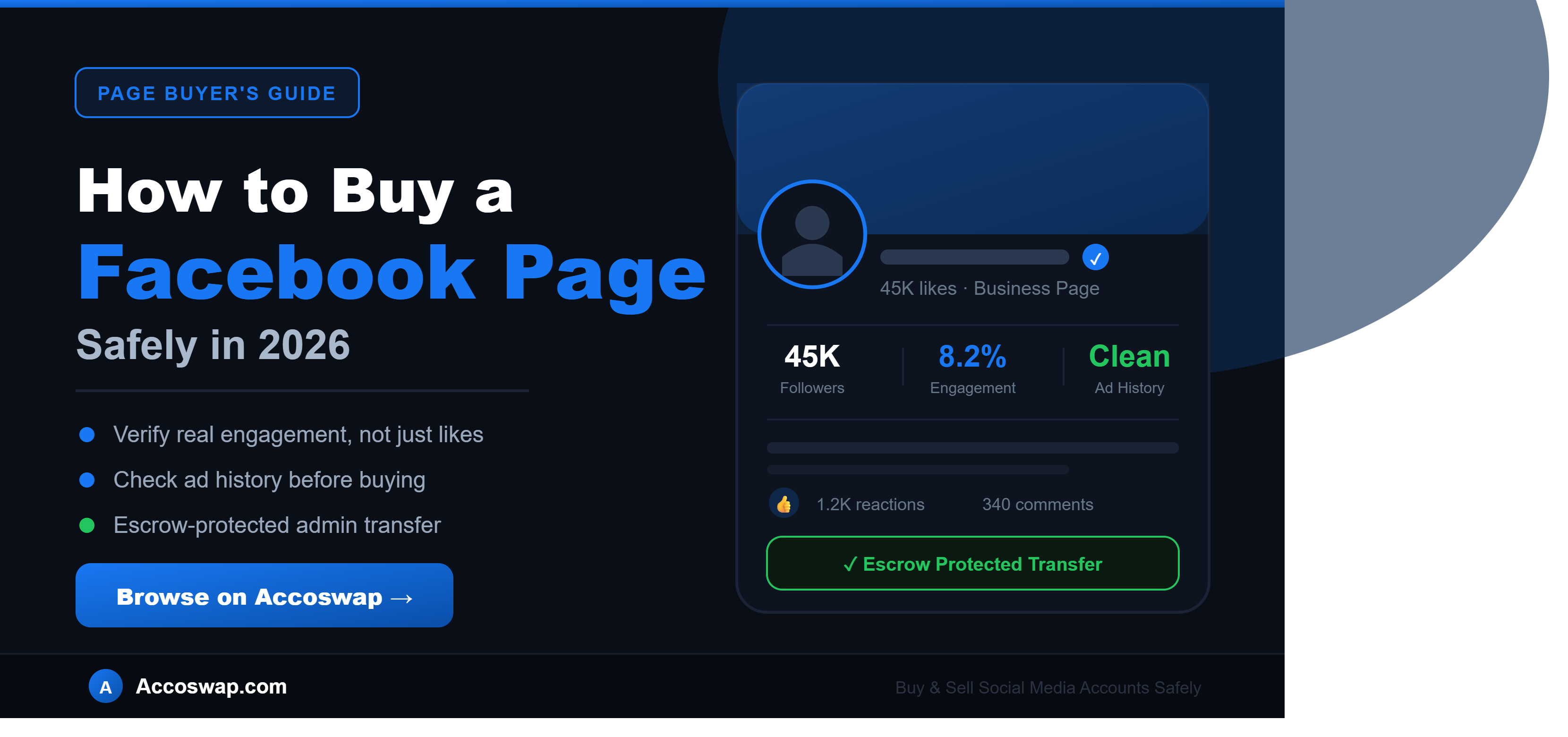
How to Buy a Facebook Page Safely in 2026 — Complete Guide
Facebook is not the platform it was a decade ago, but it is far from irrelevant. With billions of active users and an audience that skews older and often has stronger purchasing power than newer platforms, Facebook Pages remain genuinely valuable for businesses, local brands, and marketers. The problem is that building a Facebook Page audience from zero is slow, especially with organic reach as limited as it is today.
That is why buying an established Facebook Page has become a smart shortcut for businesses, agencies, and marketers who want instant access to a real, engaged audience without spending months building one. This guide will walk you through everything — what to check before buying, how much pages cost, the red flags that signal a scam, and exactly how to complete the purchase safely.
Why Buy a Facebook Page Instead of Starting From Scratch?
Building a Facebook Page audience organically today is genuinely difficult. Facebook's algorithm heavily favors paid reach, and a brand new Page often struggles to get any meaningful organic visibility no matter how good the content is.
Buying an established page changes that completely. Here is what makes it worthwhile.
Instant audience access. A page with real, engaged followers means your content reaches people from day one instead of going out to an empty audience.
Established trust and credibility. A page with history, posts, and follower engagement looks far more legitimate to new visitors than a page created last week with zero activity.
Faster local or niche market entry. If you are launching a business in a specific city or niche, buying a relevant established page gives you immediate access to an audience that already cares about that topic or location.
Existing ad account history. Pages that have run ads before often come with valuable historical ad performance data, which can make future advertising more effective and sometimes unlock higher advertising limits.
Skip the cold-start problem. New pages face the toughest growth phase — low reach, low trust, low engagement. An established page has already moved past that initial struggle.
What to Check Before Buying a Facebook Page
This is the most important part of this guide. The difference between a smart purchase and a costly mistake comes down to careful verification before you pay anything.
Check the Page's Activity History
Scroll through the page's full posting history. A genuine, valuable page shows consistent activity over time — regular posts, varied content, and a clear, coherent purpose. A page with long gaps in activity or a sudden burst of posts right before being listed for sale may have been artificially prepared to look more active than it really is.
Verify Engagement, Not Just Likes
Page likes and followers mean very little without real engagement behind them. Look at the comments, reactions, and shares on recent posts relative to the page's follower count. A healthy page shows consistent, varied engagement from real-looking profiles. If a page has tens of thousands of likes but posts get almost no interaction, the audience is likely inactive or was never genuine to begin with.
Review the Ad Account History
If you plan to run advertising on the page, ask the seller about its ad history. Pages with a clean advertising history and no past policy violations are far more valuable, since some pages with strong histories carry elevated advertising limits. Also check whether the page has faced any past ad account restrictions, as this can affect your ability to run campaigns after purchase.
Confirm the Niche and Audience Alignment
Make sure the page's existing content and audience genuinely align with what you intend to do with it. A page built around one specific topic that gets repurposed into something completely unrelated often experiences a sharp drop in engagement, as the existing audience followed the page for its original purpose.
Check for Policy Violations
Confirm the page is in good standing with no active restrictions, content removals, or policy strikes. A page with a history of violations carries ongoing risk, even after a change in ownership.
Confirm What Comes With the Transfer
Make sure you understand exactly what you are receiving — full Page Admin access and complete ownership control once the transfer through escrow is complete. Clarify with the seller whether the page is also linked to any Business Portfolio, since a clean transfer requires it to be removed from the seller's Business Manager.
How Much Does a Facebook Page Cost in 2026?
Pricing for Facebook Pages varies based on follower count, engagement quality, niche, and posting history. Here is a realistic market guide:
| Page Type | Followers | Estimated Price |
|---|---|---|
| Small starter page | 1K – 5K | $30 – $150 |
| Mid-size niche page | 5K – 20K | $150 – $600 |
| Established local/niche page | 20K – 50K | $400 – $1,500 |
| Large engaged page | 50K – 150K | $1,000 – $4,000 |
| Major established page | 150K+ | $4,000 and above |
As with any social media account, raw follower count alone does not determine real value. A page with 15,000 genuinely engaged followers in a commercial niche like local business or e-commerce can be worth significantly more than a page with 100,000 followers and minimal engagement. Always weigh engagement quality, niche relevance, and ad history alongside the follower number.
Be cautious of pages priced suspiciously low relative to their stated size — a large, active page rarely sells for a tiny fraction of its real value. If the price feels too good to be true, something is usually wrong.
Where to Buy a Facebook Page Safely
This is where most buyers run into the biggest risk.
Avoid buying through random Telegram groups or unsolicited DMs. These informal channels are where the vast majority of Facebook page scams happen. Payment goes out with no protection, and sellers often disappear immediately afterward.
Be cautious with brokerage-style services. Some platforms operate by matching you with a seller after you submit requirements, keeping the process opaque and the buyer anonymous to themselves. Without transparency into who you are actually buying from, you lose the ability to properly vet the page or the seller.
Use a verified marketplace with escrow protection. This is the only genuinely safe approach. On platforms like Accoswap, every transaction is protected through a secure escrow system. Your payment is held safely and is never released to the seller until the page transfer is fully verified and confirmed on your end.
How to Buy a Facebook Page on Accoswap — Step by Step
Here is exactly how the process works on Accoswap, based on Facebook's specific transfer method.
Step 1 — Browse Verified Listings
Visit Accoswap and browse the Facebook page listings. Each one shows follower count, niche, engagement details, and asking price. Review the options that match what you are looking for.
Visit Accoswap and browse the Facebook page listings. Each one shows follower count, niche, engagement details, and asking price. Review the options that match what you are looking for.
Step 2 — Review and Ask Questions
Before committing, go through the listing carefully. Use Accoswap's secure messaging system to ask the seller about the page's activity history, engagement, and ad account status.
Before committing, go through the listing carefully. Use Accoswap's secure messaging system to ask the seller about the page's activity history, engagement, and ad account status.
Step 3 — Purchase — Payment Secured in Escrow
When you are ready, complete your purchase. Your payment is locked safely in Accoswap's escrow before anything is transferred. At checkout, you will also provide your Facebook profile URL — this is where you will receive Page Admin access.
When you are ready, complete your purchase. Your payment is locked safely in Accoswap's escrow before anything is transferred. At checkout, you will also provide your Facebook profile URL — this is where you will receive Page Admin access.
Step 4 — Seller Adds Escrow as Page Admin
Once your payment is secured, the seller adds Accoswap's official escrow Facebook profile as an Admin on the page. The seller also removes the page from their Business Portfolio so that ownership can transfer cleanly without any lingering business account ties.
Once your payment is secured, the seller adds Accoswap's official escrow Facebook profile as an Admin on the page. The seller also removes the page from their Business Portfolio so that ownership can transfer cleanly without any lingering business account ties.
Step 5 — Escrow Verifies the Page
Once the seller confirms they have added escrow as admin, the Accoswap escrow team verifies access to the page and confirms everything matches the listing.
Once the seller confirms they have added escrow as admin, the Accoswap escrow team verifies access to the page and confirms everything matches the listing.
Step 6 — You Are Added as Page Admin
After verification, your Facebook profile is added as a Page Admin. You can now access and review the page directly.
After verification, your Facebook profile is added as a Page Admin. You can now access and review the page directly.
Step 7 — You Confirm Admin Access
Once you have checked that you have full admin and ownership access, you confirm this on your escrow page. Unlike YouTube channel transfers, there is no multi-day waiting period for Facebook — the transfer completes promptly once both sides confirm.
Once you have checked that you have full admin and ownership access, you confirm this on your escrow page. Unlike YouTube channel transfers, there is no multi-day waiting period for Facebook — the transfer completes promptly once both sides confirm.
Step 8 — Transfer Completed, Seller Paid
After your confirmation, Accoswap's escrow team finalizes the transfer, removes any other admins from the page, and the page is fully and exclusively yours. The seller's payment is then released. Because escrow holds the admin rights in the middle of this process, neither side can lock the other out during the handover.
After your confirmation, Accoswap's escrow team finalizes the transfer, removes any other admins from the page, and the page is fully and exclusively yours. The seller's payment is then released. Because escrow holds the admin rights in the middle of this process, neither side can lock the other out during the handover.
Red Flags to Watch For
The seller refuses to show real engagement. If a seller will only talk about follower count and avoids showing actual comments, reactions, or post performance, the engagement is likely weak or fake.
Sudden activity spikes right before listing. A page that was dormant for months and suddenly posted heavily right before being listed for sale may have been artificially prepared to look more active than it actually is.
Pressure to pay outside the platform. Any request to send payment directly via bank transfer, crypto, or PayPal outside of escrow protection is a serious warning sign. Once you pay directly, there is no way to recover your money if the page is never transferred.
Vague answers about ad history or violations. A seller who is evasive about past policy issues or ad account restrictions is hiding something that will likely affect your ability to use the page effectively.
The page is still linked to a Business Portfolio. If the seller cannot or will not remove the page from their Business Manager before transfer, the handover will not be clean, and the seller may retain indirect access or control.
Frequently Asked Questions
Is it legal to buy a Facebook page?
Buying and selling Facebook Pages happens widely in practice, though Meta's terms of service do not formally support account or page transfers between parties. The transaction itself is a private agreement, and completing it through a marketplace with proper escrow protection significantly reduces the practical risk involved.
Buying and selling Facebook Pages happens widely in practice, though Meta's terms of service do not formally support account or page transfers between parties. The transaction itself is a private agreement, and completing it through a marketplace with proper escrow protection significantly reduces the practical risk involved.
How do I know if a Facebook page's followers are real?
Check engagement on recent posts — comments, reactions, and shares — relative to the follower count. A genuinely engaged page shows consistent, varied interaction. Very low engagement relative to a large follower count usually indicates an inactive or low-quality audience.
Check engagement on recent posts — comments, reactions, and shares — relative to the follower count. A genuinely engaged page shows consistent, varied interaction. Very low engagement relative to a large follower count usually indicates an inactive or low-quality audience.
What is the safest way to buy a Facebook page?
Through a verified marketplace with escrow protection like Accoswap. Your payment is held securely and only released once you have confirmed full admin access to the page.
Through a verified marketplace with escrow protection like Accoswap. Your payment is held securely and only released once you have confirmed full admin access to the page.
Does the page transfer have a waiting period like YouTube?
No. Unlike YouTube channel transfers, which require a mandatory multi-day Google security period, Facebook page transfers on Accoswap complete promptly once the seller adds escrow as admin, escrow verifies, and the buyer confirms access — typically within a short timeframe.
No. Unlike YouTube channel transfers, which require a mandatory multi-day Google security period, Facebook page transfers on Accoswap complete promptly once the seller adds escrow as admin, escrow verifies, and the buyer confirms access — typically within a short timeframe.
Why does the page need to be removed from the seller's Business Portfolio?
A page linked to the seller's Business Manager retains indirect ties to their business account even after admin rights change. Removing it ensures a completely clean transfer with no lingering access for the previous owner.
A page linked to the seller's Business Manager retains indirect ties to their business account even after admin rights change. Removing it ensures a completely clean transfer with no lingering access for the previous owner.
What happens if the page does not match the listing?
On Accoswap, your payment remains in escrow until you confirm the page matches what was listed and that you have full admin access. If there is a genuine issue, the support team reviews it before any payment is released.
On Accoswap, your payment remains in escrow until you confirm the page matches what was listed and that you have full admin access. If there is a genuine issue, the support team reviews it before any payment is released.
Ready to Buy a Facebook Page?
Buying an established Facebook Page in 2026 is one of the fastest ways to gain real audience access for a business, brand, or local market presence — without spending months fighting for organic reach from zero.
The key is doing it carefully. Verify the engagement, check the ad history, confirm the page is clean of any lingering business ties, and always use escrow protection.
Browse verified Facebook pages for sale on Accoswap, where every transaction is protected from start to finish.
On Accoswap
Ready to act on this guide?
Tags: